Remote Support Service at Faster Laser
Our Service Process
Initial Contact and Issue Identification
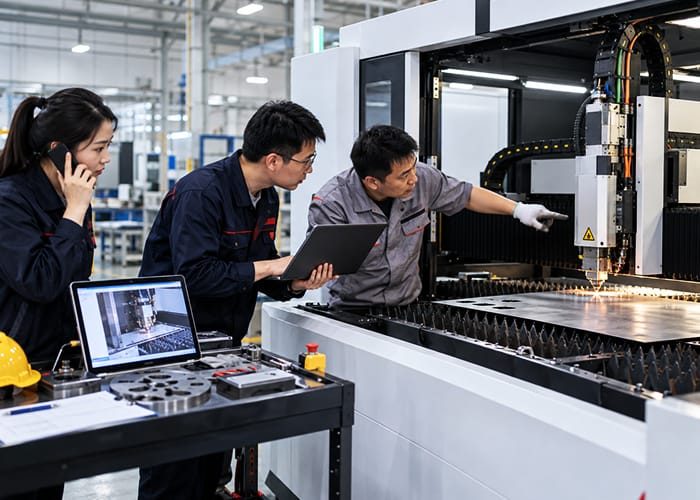
You can contact our support team by phone, email, or the available online support channel. We first collect the details needed to understand the issue and decide how to investigate it.
- System and Symptom Details: We ask for the machine model, serial number, software version where relevant, and a description of what happened. Error messages, photos, videos, or screenshots can help us see the problem more clearly.
- Operating Conditions: We may ask what material or job was running, whether any settings changed, and whether the issue occurs every time or only under certain conditions.
- Impact and Priority: We assess whether the machine has stopped, whether production can continue safely, and how urgently the case needs attention.
- Immediate Precautions: If the symptoms suggest a safety concern, we advise your team to stop using the affected function until the situation has been assessed.
Remote Diagnostics and Troubleshooting
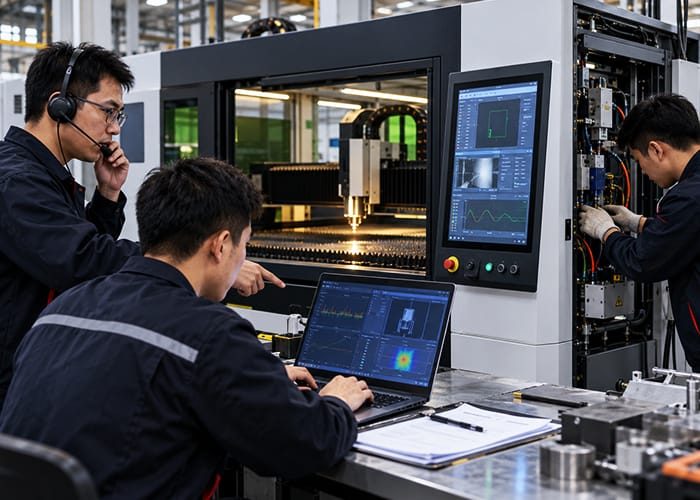
Once we have the initial information, we investigate the likely causes. Depending on the equipment and the issue, this may involve reviewing logs and settings, speaking with an operator, or using a remote connection. We access a system remotely only when the capability is available, and you authorize the connection.
- System Checks: Our technicians review relevant alarms, operating data, software behavior, and machine settings. They may also ask your team to confirm the condition of external utilities or accessible components.
- Cause Identification: We compare the symptoms with the circumstances in which the problem occurs. This helps us determine whether it is likely related to a job file, a process setting, software, a connection, or a physical component.
- Guided Troubleshooting: We work through suitable checks in a clear order and explain what each result tells us.
- Minor Corrections: Some issues can be resolved by correcting a setting, restarting a software function, restoring a job configuration, or following another appropriate operating procedure.
Step-by-Step Guidance
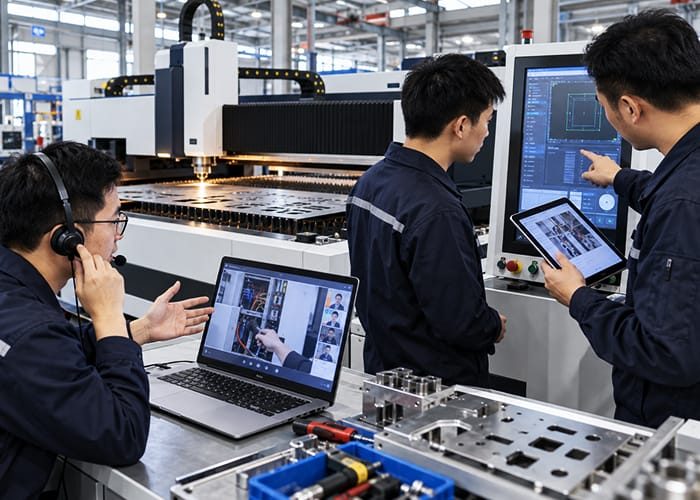
Many support cases require someone at the machine to observe a condition or perform a basic action. Our technicians guide your team through those steps using the communication method best suited to the issue.
- Live Assistance: We can explain the procedure by phone, video call, or screen sharing when those options are available.
- Visual Instructions: Photos, diagrams, or annotated screenshots can make it easier to identify a control, locate a component, or follow a software sequence.
- Operator-Level Checks: We guide users through tasks within their training and authority, such as checking a displayed alarm, confirming a connection, or testing a known job file.
- Software Updates: When an update is appropriate, we explain the preparation required, help apply it where supported, and check the system afterward.
Advanced Solutions and Adjustments
Some problems require more investigation than a single support session. In these cases, we document the findings and develop the next steps with your team.
- Configuration Review: With your approval, we may inspect or adjust relevant machine or software settings to address a confirmed issue. We record significant changes so the configuration can be reviewed later.
- Software Diagnosis: We examine recurring errors, compatibility issues, or unexpected behavior and determine whether a repair, reconfiguration, or update is appropriate.
- Hardware Assessment: If the evidence points to a component fault, we identify the likely part and the checks needed to confirm it. We then advise on replacement or arrange further technical service as applicable.
- Escalation: When the issue cannot be safely or reliably resolved remotely, we explain the reason and recommend the appropriate on-site inspection or repair.
Ongoing Monitoring and Support
After a corrective action, we check whether it resolved the reported issue under normal operating conditions. A machine that starts successfully still needs to produce the expected result on a representative job.
- Resolution Check: We ask your team to run an appropriate test and confirm whether the original symptom has disappeared.
- Follow-Up: Where needed, we arrange a later check to see whether the issue has returned or whether further adjustment is required.
- Remote Monitoring: If the system supports monitoring and your organization has enabled it, we may use available operating information to help investigate recurring problems.
- Prevention: We recommend relevant maintenance checks, operating practices, or recordkeeping that could reduce the chance of a similar issue.
Feedback and Continuous Improvement
Before closing the case, we review the outcome with your team. This ensures that the reported problem has been addressed and that the people using the machine understand any action they need to take.
- Support Evaluation: We invite feedback on the clarity of our guidance, the progress of the case, and whether the solution meets your needs.
- Case Documentation: We record the symptoms, checks, findings, and corrective actions to support future troubleshooting.
- Knowledge Sharing: We explain the cause when it is known and share practical lessons with your operators or maintenance team.
- Service Improvement: We use recurring issues and customer feedback to improve our guidance and support procedures.

Why Choose Faster Laser?
Instant Access to Expert Help
With our remote support service, you have direct access to expert technicians who can quickly diagnose and resolve issues without delay.
Minimized Downtime
Our quick-response approach ensures that any issues are addressed promptly, reducing downtime and allowing your operations to continue smoothly.
Convenience and Flexibility
You can receive support from anywhere, without the need for on-site visits. Whether you're at the office or working remotely, we’re just a call away.
Cost-Effective Solutions
Remote support eliminates the need for expensive on-site visits. Our cost-effective service ensures that your equipment gets the attention it needs without breaking your budget.
Comprehensive Support Across All Systems
We provide full support for all aspects of your laser system, from hardware and software to configuration and troubleshooting. No matter the issue, we’ve got you covered.
Proactive and Preventive Assistance
Beyond addressing immediate issues, we provide proactive monitoring and preventative recommendations to ensure long-term system health and performance.